Trust Center Overview
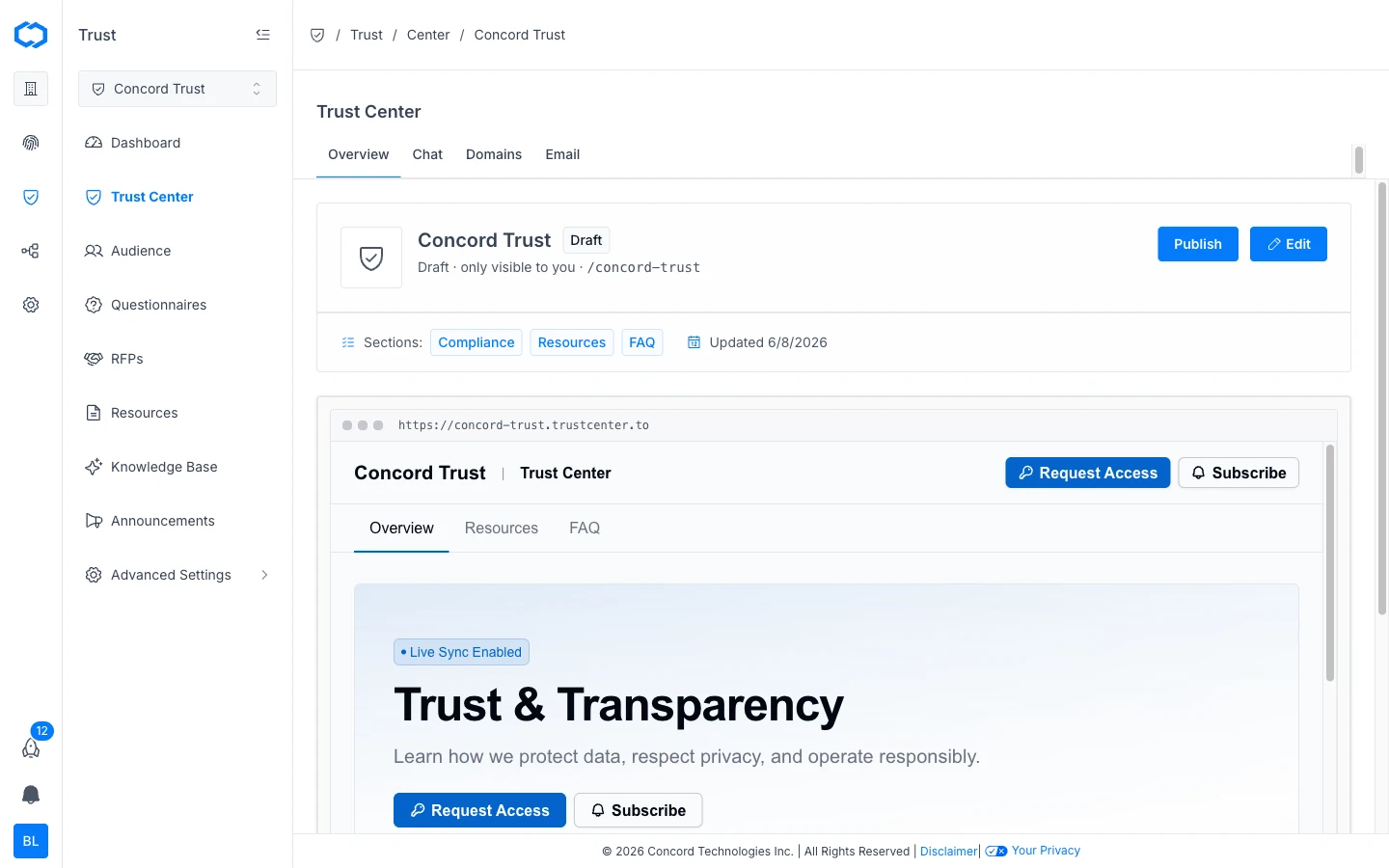
Overview of Concord Trust Center: a public-facing page where prospects, customers, and partners can review your security and compliance posture, access compliance documents, and find answers to common security questions.
Overview
A Trust Center is a public-facing page where your prospects, customers, and partners can review your organization's security and compliance posture in one place. Instead of fielding one-off requests for SOC 2 reports, security questionnaires, or policy documents, you give stakeholders a single destination to find what they need on their own.
Concord Trust Center is built on the same platform as Concord Privacy. This shared architecture means your Trust Center can pull live policy content directly from your privacy program through the Data Hub. When you update a policy in Concord Privacy, your Trust Center displays the current version automatically. No re-uploading PDFs.
Key Features
Documents
Documents are managed through the Data Hub, which serves as a shared global library across your organization. You can add several document types (statements, FAQs, links, reports, and policies) and then feature selected documents on your Trust Center. For more information, see Adding & Managing Documents.
FAQs
FAQs are a document type in the Data Hub. Each FAQ is a question and answer pair that you can feature on your Trust Center so prospects can find answers to common security and compliance questions without contacting your team. You can add FAQs individually or bulk-import them from a spreadsheet. For more information, see Managing FAQs.
Gated Access & NDAs
For sensitive documents, you can require visitors to request access before viewing. You can also require an NDA to be signed before granting access to specific documents. This gives you control over who sees what, while still making documents accessible without back-and-forth emails.
AI Chat
You can enable AI Chat on your Trust Center so visitors get answers to security and compliance questions directly from your published documents and FAQs, without emailing your team. Answers come back with inline citations pointing to the source. Documents you add to the knowledge base are indexed automatically, so the chat reflects your current content rather than a snapshot. For more information, see Managing Your Trust Center Knowledge Base.
Data Hub Integration
Concord Trust connects to the shared Data Hub that powers your Concord Privacy program. Policies updated in Concord Privacy are automatically reflected in your Trust Center, and your sub-processor list is built from the vendors and data systems in your Data Hub. See Managing Vendors and Sub-Processors.
For organizations using both Concord Privacy and Concord Trust, this shared data layer means less manual upkeep and fewer gaps between what your privacy program does and what your Trust Center shows.
How Does the Trust Center Work?
When you set up Concord Trust, you create a publicly accessible Trust Center page. Every Trust Center includes a branded trustcenter.to subdomain (e.g., yourcompany.trustcenter.to). You can also configure a custom domain to match your own URL structure. For more information, see Setting Up Your Trust Center Domain.
From there, you add your compliance documents, write your FAQs, configure your branding, and share the link. Visitors can browse public content immediately. For gated content, they request access through the Trust Center and you approve or deny directly in Concord.
Getting Started
To set up your first Trust Center, see Getting Started with Concord Trust.
Related Articles
Getting Started with Concord Trust
A quick overview of how to set up and launch your Concord Trust Center, including customizing your branding, adding documents, featuring documents, and publishing.
Configuring Trust Center Email Settings
How to configure the From: address and notification settings for emails your Concord Trust Center sends, including access request and NDA notifications.