Creating Trust Center Announcements
How to create, publish, and track announcements on your Concord Trust Center, including compliance attestations, vulnerability disclosures, and subscriber notifications.
Overview
Announcements let you post compliance attestations, vulnerability disclosures, and other security or trust-related updates directly to your Trust Center. Drafts are private until you publish. Publishing an announcement posts it to your public Trust Center and emails your confirmed subscribers.
- In the Concord Admin UI, go to Trust → Announcements.
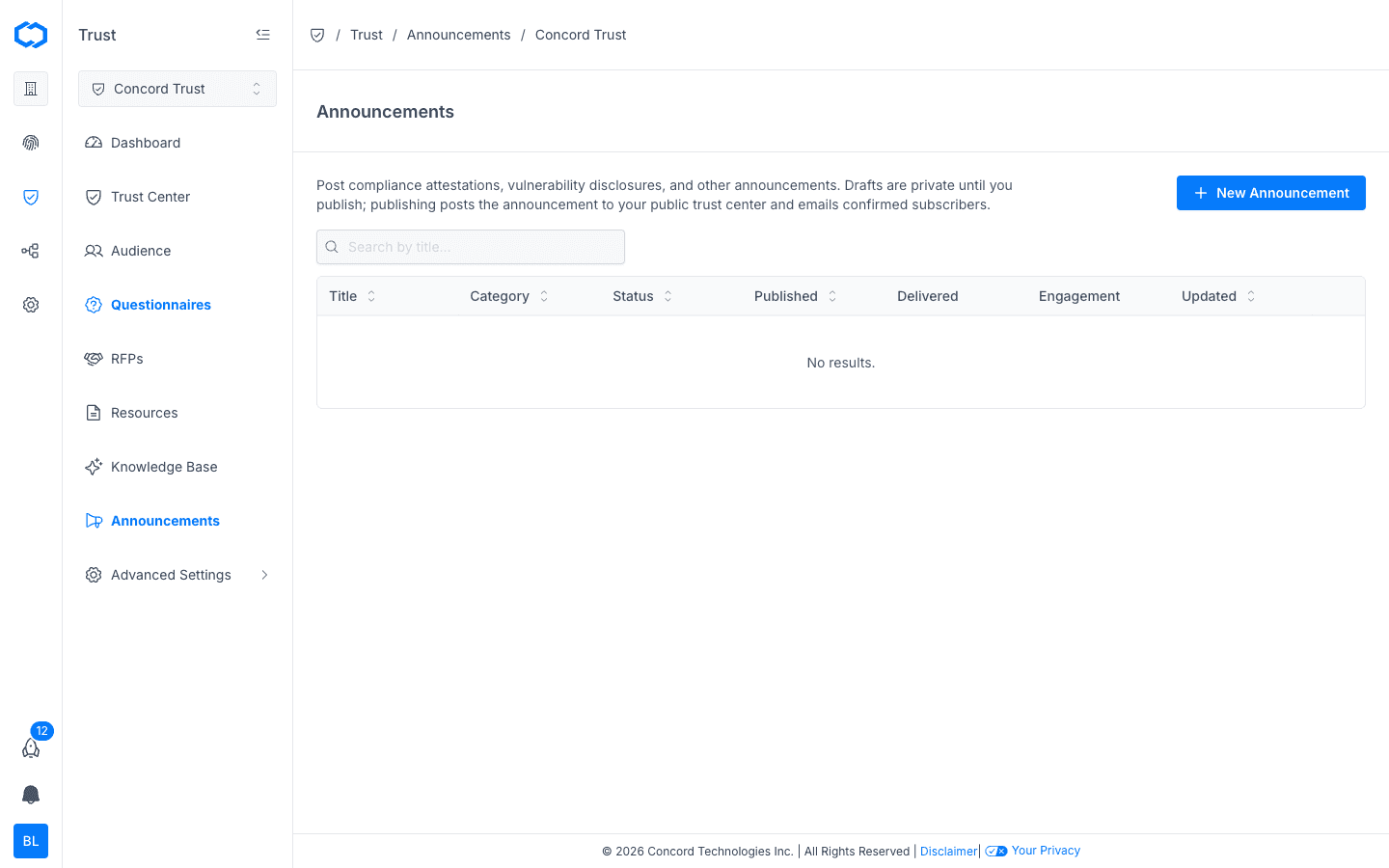
Viewing Announcements
The Announcements table shows every announcement you've created, with the following columns:
| Column | Description |
|---|---|
| Title | The announcement's title. |
| Category | The type of announcement (e.g., compliance attestation, vulnerability disclosure). |
| Status | Draft or Published. |
| Published | When the announcement was published, if applicable. |
| Delivered | How many subscriber emails were successfully delivered. |
| Engagement | Open and click activity for the announcement email. |
| Updated | When the announcement was last edited. |
Use the search bar to find an announcement by title.
Creating a New Announcement
- Go to Trust → Announcements.
- Click + New Announcement.
- Enter a Title for the announcement.
- Select a Category that best describes the announcement (e.g., compliance attestation, vulnerability disclosure, product update).
- Write the announcement content.
- Click Save Draft.
New announcements are created as drafts and are not visible to visitors or subscribers until you publish them.
Publishing an Announcement
- Open the draft announcement you want to publish.
- Review the title, category, and content.
- Click Publish.
Publishing does two things at once:
- Posts the announcement to your public Trust Center, where visitors can view it.
- Sends an email to every confirmed subscriber on your Subscribers list.
Once published, an announcement can still be edited, but subscribers will not be re-notified of edits unless you republish it.
Tracking Delivery & Engagement
After publishing, the Delivered and Engagement columns update to reflect how your announcement performed. For a more detailed breakdown — including bounces, unsubscribes, and a send-to-open-to-click engagement funnel — see the Announcements section of the Trust Dashboard Overview and Trust Center Analytics.
Editing or Unpublishing an Announcement
- Go to Trust → Announcements.
- Click the announcement you want to change.
- Update the content and click Save, or change its status back to Draft to remove it from your public Trust Center.
Unpublishing an announcement removes it from your public Trust Center but does not retract emails already delivered to subscribers.